



Beezyspin App
The Beezyspin app was created specifically for those who are always on the go but don’t want to compromise on the comfort of playing on mobile devices. To achieve this, we’ve fully ported all features of the web version and added a host of new ones. You can install it from our official website for Android, iOS, and desktop devices.



Beezyspin on Mobile
Our application is based on PWA technology. This means you enjoy a host of benefits when accessing Beezyspin Casino from your mobile device. For instance, you don’t need a high-speed internet connection or have to waste time downloading it; the icon appears instantly on your home screen after installation.
Plus, it takes up virtually no space on your device. Thanks to the power-saving feature, you’ll use less battery compared to the browser version. Among the new features, we’d like to highlight full-screen mode, which is optimized for all games on the site, as well as customizable push notifications, which ensure you won’t miss any important updates at Beezyspin Casino.
Mobile Interface
The mobile casino interface is developed to keep all the important information right in front of you while ensuring that the number of elements doesn’t distract you unnecessarily. Thanks to optimized loading speeds, navigating the site feels smoother and more convenient; that is another pleasant feature at Beezy Spin Casino. We’ve also added Face ID, which lets you log in to the application in just a few seconds
Beezy Spin for Android
To access the Beezyspin app on your Android tablet or smartphone, simply follow these brief instructions. First, open our official website in your preferred browser. Next, tap the menu button and select “Add to Home Screen.” Choose a name for the app or leave it blank, then press the button again. The icon will appear on your device’s screen shortly. After that, simply enter your details and start playing.
Beezyspin APK Download
We do not offer a standalone Beezyspin APK, as we prioritize the safety and convenience of our players above all else. Instead, we use PWA technology, which offers advantages over traditional APKs. Every user can download our solution from the official website and enjoy all the benefits it offers.
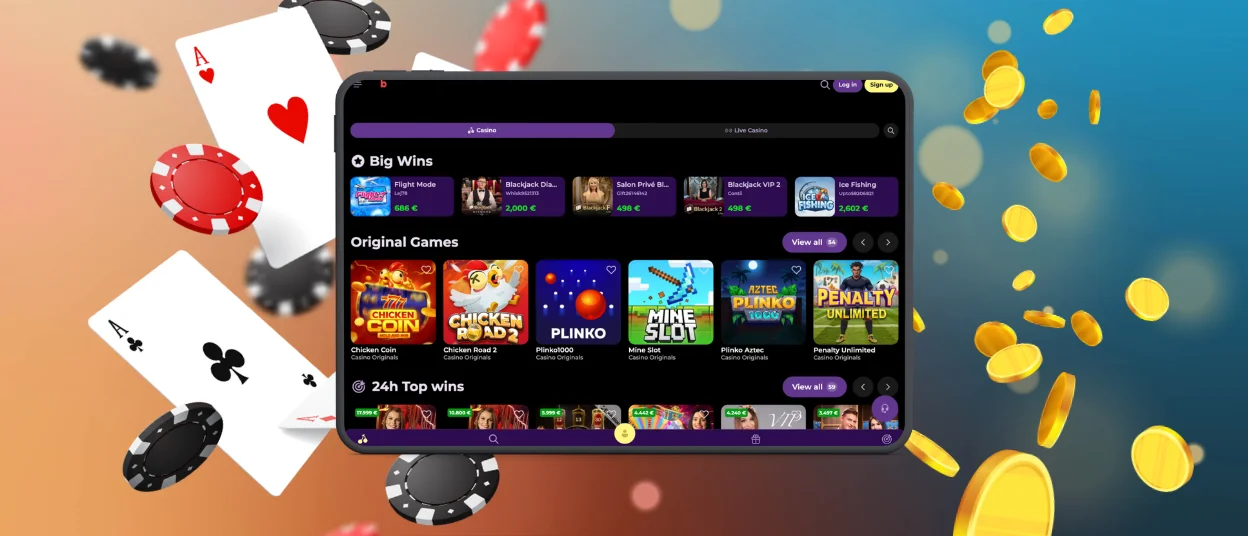
Beezyspin iOS App
To access Beezyspin Casino from an iPad or iPhone, you don’t need to meet any special requirements, and the installation process is very similar to that of the Android version. To do so, follow these steps:
- Open our website in Safari or any other browser.
- Press the “Share” button at the bottom of the screen.
- Next, click on the “Add to Home Screen” button.
- If you wish, rename the program and tap the link again.
- Wait for the icon to appear on your device.
After that, you’ll have full access to all cool options in the Beezy Spin app. You can play your favorite online slots, which load much faster, enhancing your gaming experience. You can also go to your profile to view your full transaction history, use responsible gambling tools, and take advantage of many other opportunities available to you.
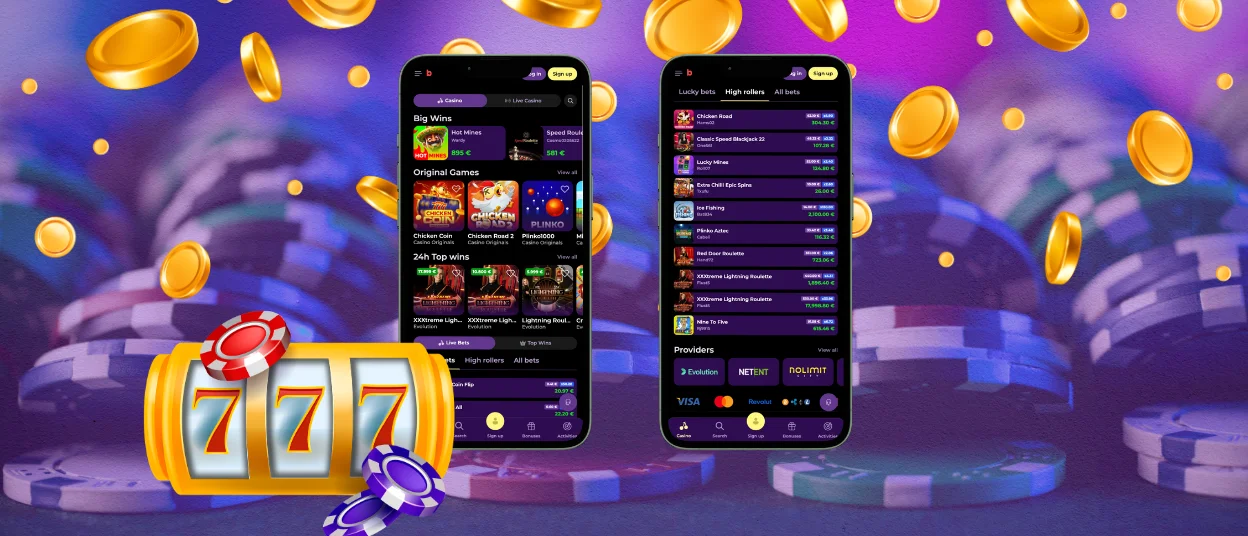
Beezy Spin for Windows and macOS
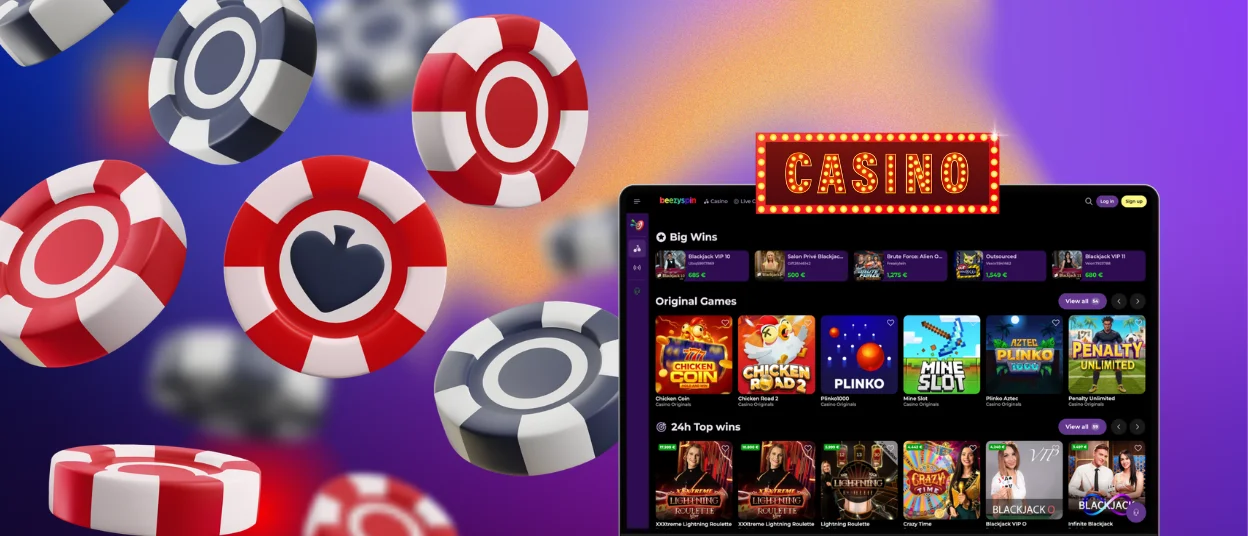
The desktop version of the Beezyspin Casino software may seem unnecessary at first, but that’s not actually the case. Just like on mobile devices, we’ve optimized the site’s performance to help you access your favorite games faster. You can also customize your push notifications by choosing which ones you want to receive and which ones you don’t. In the browser, this feature is limited and only partially available.
To install the Beezyspin app on your macOS or Windows device, visit our official website. In the address bar, you’ll find a button to click to begin the installation.
Next, name the application just as you would during a mobile installation and wait for the icon to appear on your desktop. After that, you can quickly log in using Google or click on the auto-fill option, and you’ll be all set.
PWA Security Advantages
Security measures for the PWA version are exactly the same as those you set up for the web version of our site. Unlike APKs, the Beezyspin app is downloaded directly from the website, which helps avoid risks such as interacting with suspicious sources that could allow hackers to gain access to your account. Below, we’ve compiled some of the security measures we use on the platform to keep your personal data and finances safe:
| Security Method | What It Protects |
| DDoS Protection | Server stability during attacks |
| WAF + IDS/IPS | Malicious requests and network intrusions |
| RNG Certification | Fair game outcomes |
| 2FA Authentication | Your account from unauthorized login |
| 256-bit AES Encryption | Your personal and financial information |
FAQ
Does downloading the Beezyspin app cost anything?
Of course not. You can access Beezy Spin Casino for free by installing it from our official website after first checking on the platform to see if your device meets the game’s minimum requirements.
Is the Beezyspin bonus section available on mobile?
Yes, the bonus section is exactly the same as the one on the regular version of Beezy Spin. To access it, go to the bonus tab, where you can choose an offer that suits you.
What should I do if I have problems with downloading the app?
If you encounter any difficulties with the installation or use of Beezyspin Casino, please contact our support team via live chat, which is available 24/7. If you have completed the verification process, we will be able to resolve your installation or login issues much more quickly.


